

Blender 5 Addon

This is a small addon i'm using, maybe one or the other functionality might be of interest to you, so here you could download it ;)
More information further below

Latest version released: 04/05/2026

sector7 Blender 5 Addon

sector7 Blender 5 Addon

This blender addon helps me accomplish some tasks easier.

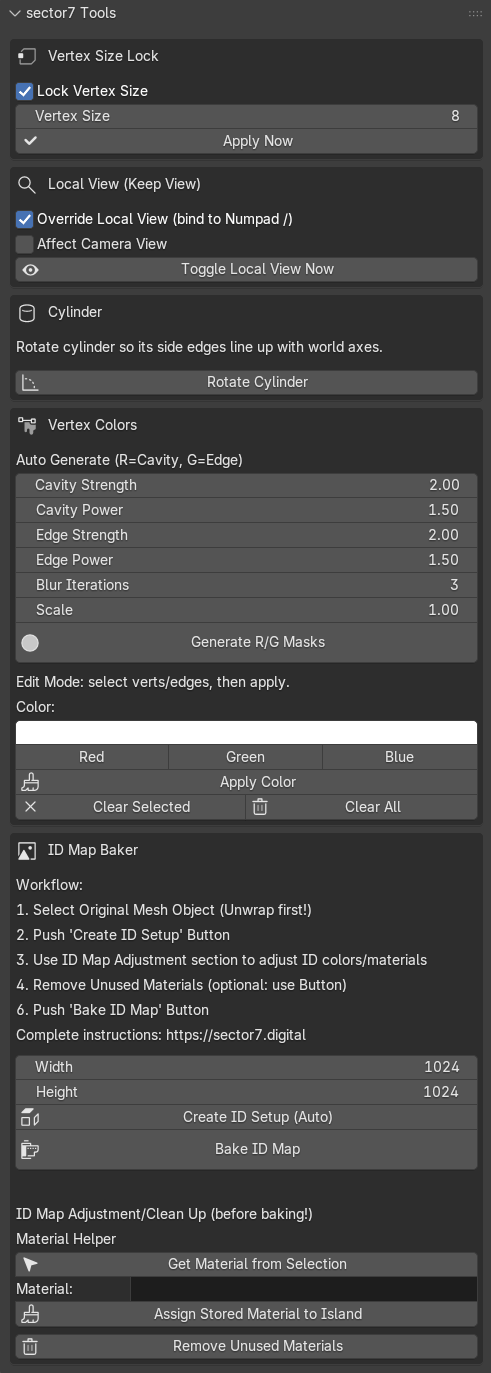
It offers the following features

  • Vertex Size Lock
  • Fix cam position when toggling into Local-View Mode
  • Cylinder rotate
  • Auto vertex colors for cavity and edge markings
  • Manual vertex color helper
  • ID Map Baker and Prepper

Read more about it's functionality further below...
Vertex Size Lock

Vertex Size Lock

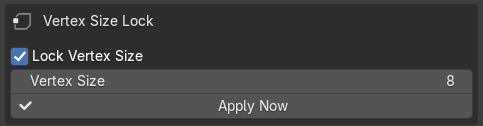
Set Vertex Display Size in Viewport and lock it down.
In my Blender the Vertex Size doesn't get saved and keeps resetting, so this helps keeping the vertices in the size i want.

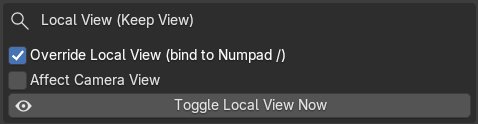
Fix Cam Loc when toggling into Local-View Mode

Fix Cam Loc when toggling into Local-View Mode

When going into local view (Numpad "/") the cam position changes. Activate this to keep the cam in position.

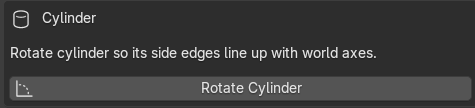
Cylinder Rotate

Cylinder Rotate

When adding a cylinder or circle mesh to the scene, it's vertices are aligned with the axes. This button rotates the cylinder/circle so that it's edges face the axes directions perfectly
Auto Vertex colors for cavity and edge markings

Auto Vertex colors for cavity and edge markings

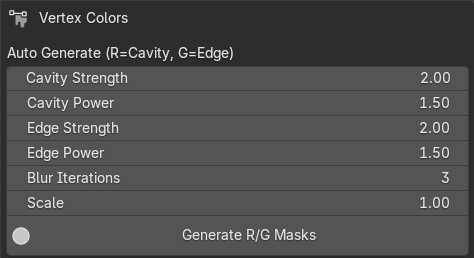
Instead of using edge wear and ao textures in the game engine I'm using vertex colors so i can put those into lerp nodes to add edge wear or fake (ao) shadows for max game performance!

RED channel = AO
GREEN channel = edges

Tipp: You have to have enough topology on important places to create proper gradients!
Play around with the values, they can work, they can be 200 units too low, you'll find out ;)

Tipp2: It creates a custom color attributes channel! In case you can't see it in vertex paint mode, check if the channel is active.

Manual Vertex Coloring

Manual Vertex Coloring

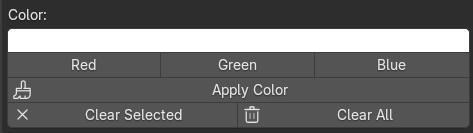
This allows you to go into edit mode, select vertices, set a color in the n-panel and set that color to selected verts. EZPZ!
ID Map Baker

ID Map Baker

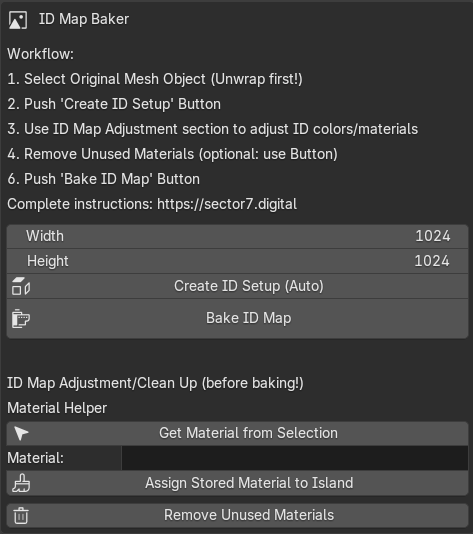
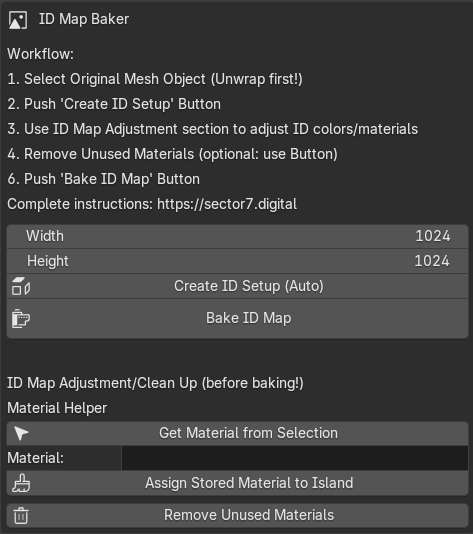
I use Substance Painter and use this section to create my own ID map for it

Here an explanation of the workflow and how it works

  1. Have a mesh object ready that is uv unwrapped. Select it in the viewport. The mesh object needs to consist of mesh islands (made up of multiple loose mesh parts) for the full workflow.
  2. Click the Create ID Setup (Auto) button
    This:
    • duplicates the mesh
    • adds the "_ID" suffix to the mesh object name
    • assigns to every mesh island a different material, differently colored
  3. Now you probably wanna adjust the material assignments of your mesh islands, assign similar islands to the same material. The next steps help with that.
  4. Go into edit mode, select a vert/edge/face and click the Get Mat from Selection button. If you have the material properties pane open, it will also select the material in the list there.
  5. If you now wanna transfer this material to other mesh islands, select at least one vert/edge/face of every island and click the Assign Stored material to Island button.
  6. This will leave you with a proper logical ID map color scheme. Click the Remove Unused Materials buttons if you wanna remove all materials that aren't assigned to any mesh parts any longer.
  7. If you're content with your ID color distribution, click the Bake ID Map button to bake the map. It will use the objects name as file name and saves the PNG image into an "ID" folder inside the current project folder (save file first)

Any suggestions and improvements are welcome, I simply cannot guarantee if and how fast stuff will be implemented ;)